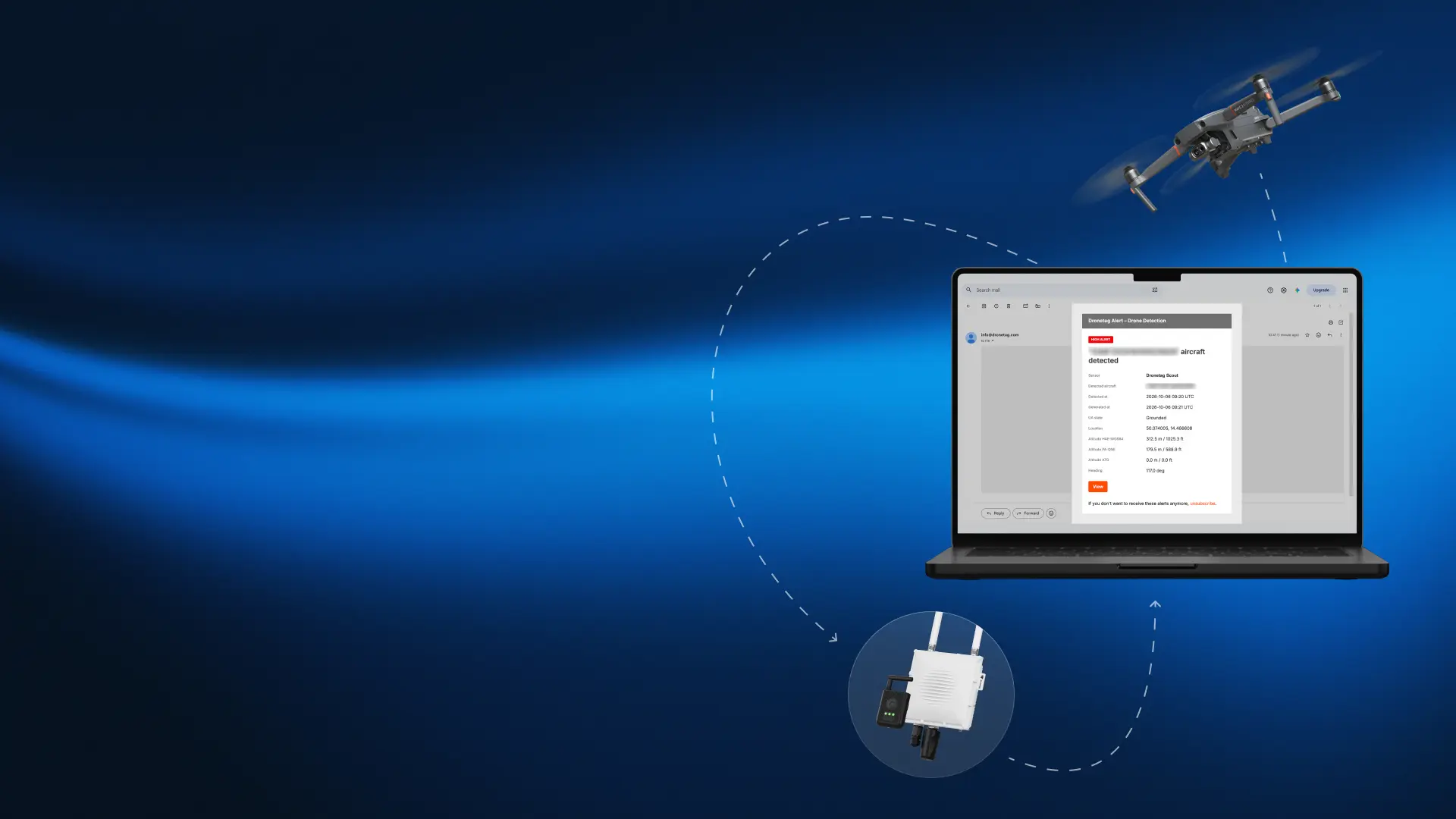
What's in the email
Once your receiver captures a drone, every verified contact gets an alert with:
- the aircraft's UAS ID
- its position and altitude
- time of detection
- the receiver that captured it
A View button opens the detection straight in the Dronetag App. The recipient needs to be signed in to the account that owns the receiver – or to an account the owner has shared the receiver's data with.
Why email
- Works with the app closed. Alerts arrive even when the Dronetag App isn't running on any device.
- More people in the loop. Send each alert to a whole security team, shift lead and operations manager at once.
- A written record. Every detection is stored in the inbox with its evidence – easy to document and report incidents.
Only the alerts that matter
Email notifications share the "When" filters with Push Notifications:
- Geofencing regions – alerts only for areas you define.
- Shared detections – on or off for receivers shared with you.
- Whitelisted UAS – your own or known drones won't trigger alerts.
Who it's for
Any site where nobody watches the app 24/7, or where several people need to react together – critical infrastructure, prisons, airports, stadiums, events and security services.
Setting it up
- Update the Dronetag App to 2.275.7 or newer.
- Go to Profile > Notifications and turn on the Emails toggle.
- Add recipients under Email Addresses.
- Each recipient confirms the verification email – then alerts start arriving.
Accounts can send up to 200 emails per day, and every alert includes an Unsubscribe link.